

PROJECT DETAIL
DATE
November, 2019
PLATFORM
WordPress
WC Ultimate Cross Selling is a WooCommerce plugin that increases the revenue of every single product by suggesting Cross-selling products to customers in your Ecommerce WordPress store.
HOW IT WORKS?
After successful plugin activation follow these steps to enable Cross product sell.
- In Admin, Open Product list and select particular product for which you want to add cross selling products.
- In Product Detail page, look for Product data option under WYSWYG editor.
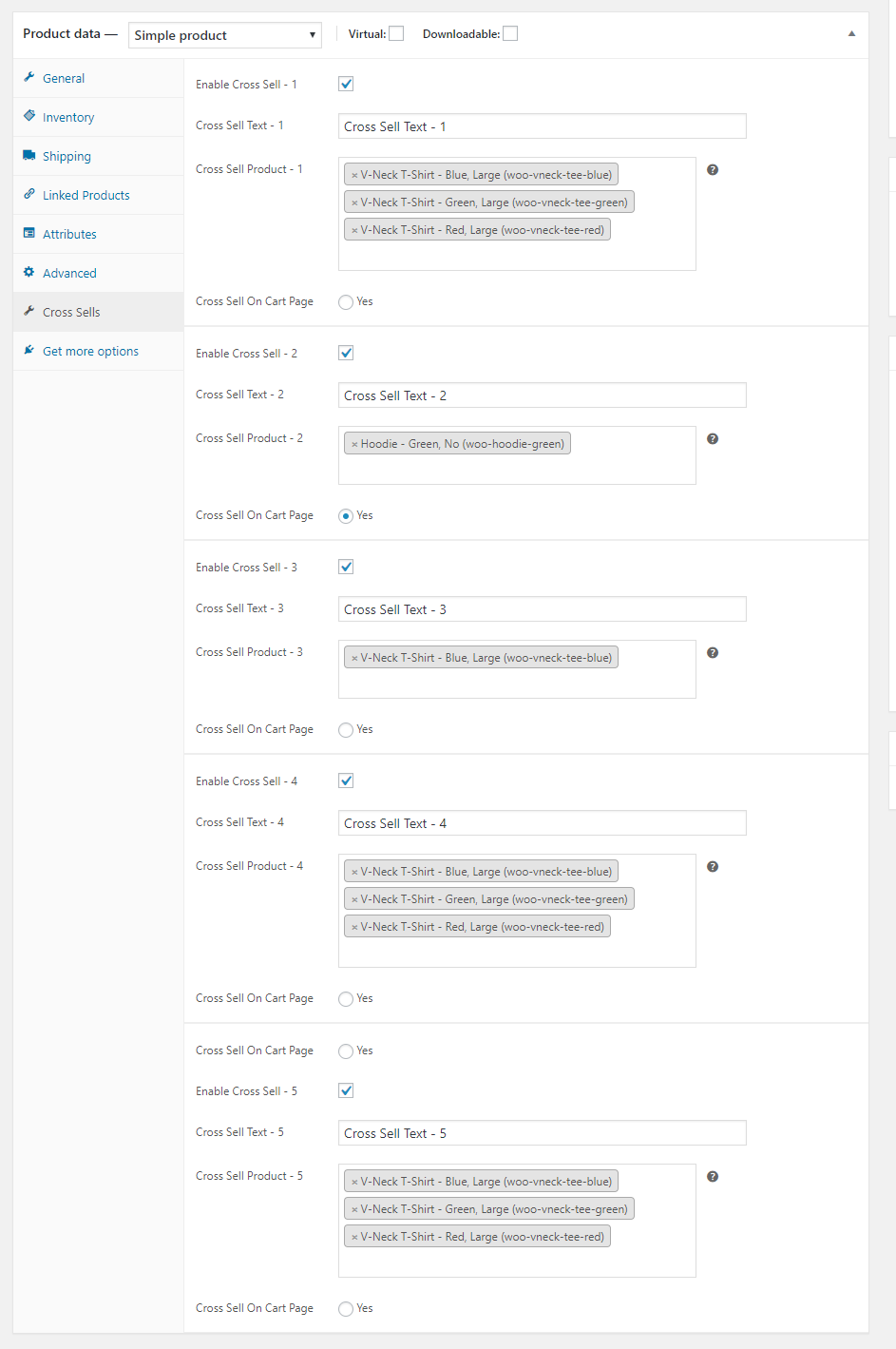
- You will find “Cross Sell” in the left column options.
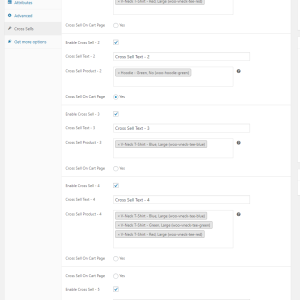
- Check and Enable “Cross sell” and add title in “Header Text”.
- Select and Add “Cross sell Product”.
- Click on the Update button to save these changes.
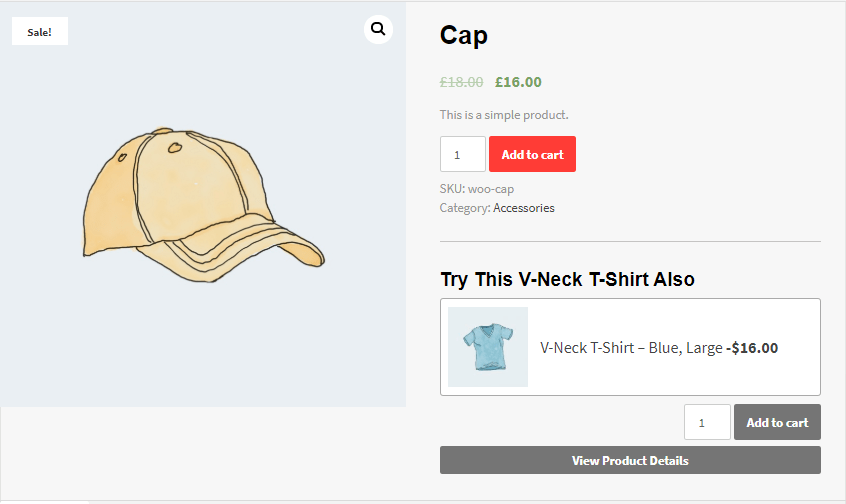
- Now go to Front end, Product detail page to check the Cross Sell product.
What is Unique in WC Ultimate CROSS-SELL?
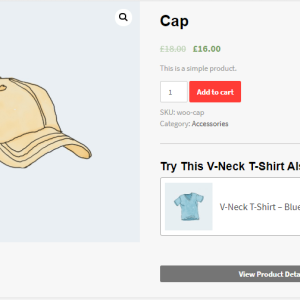
- In general, Cross-sell feature helps you to offer other relevant products to customers. This plugin also allows you to cross-sell multiple options of products. But uniqueness of this plugin is, it shows cross-sell product just under the current product detail. So, it will drag customer attention immediately.
- Additionally you can do ‘Add to cart’ of the cross-sell product from this very same page. As well as there is an option to see product description in pop-up.
So this plugin not just highlights the Cross-sell product in a unique way but it makes it very handy for your customers to purchase cross-sell product along with the main product.
PREMIUM VERSION FEATURES
The premium version has all the options of the free version.
- The premium version has all the options of the free version.
- This version allows you to add upto 5 different Cross Sell products.
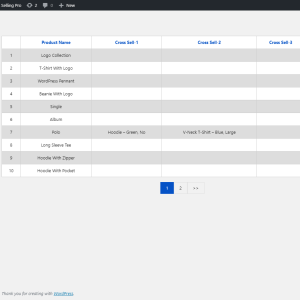
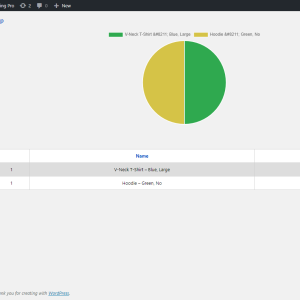
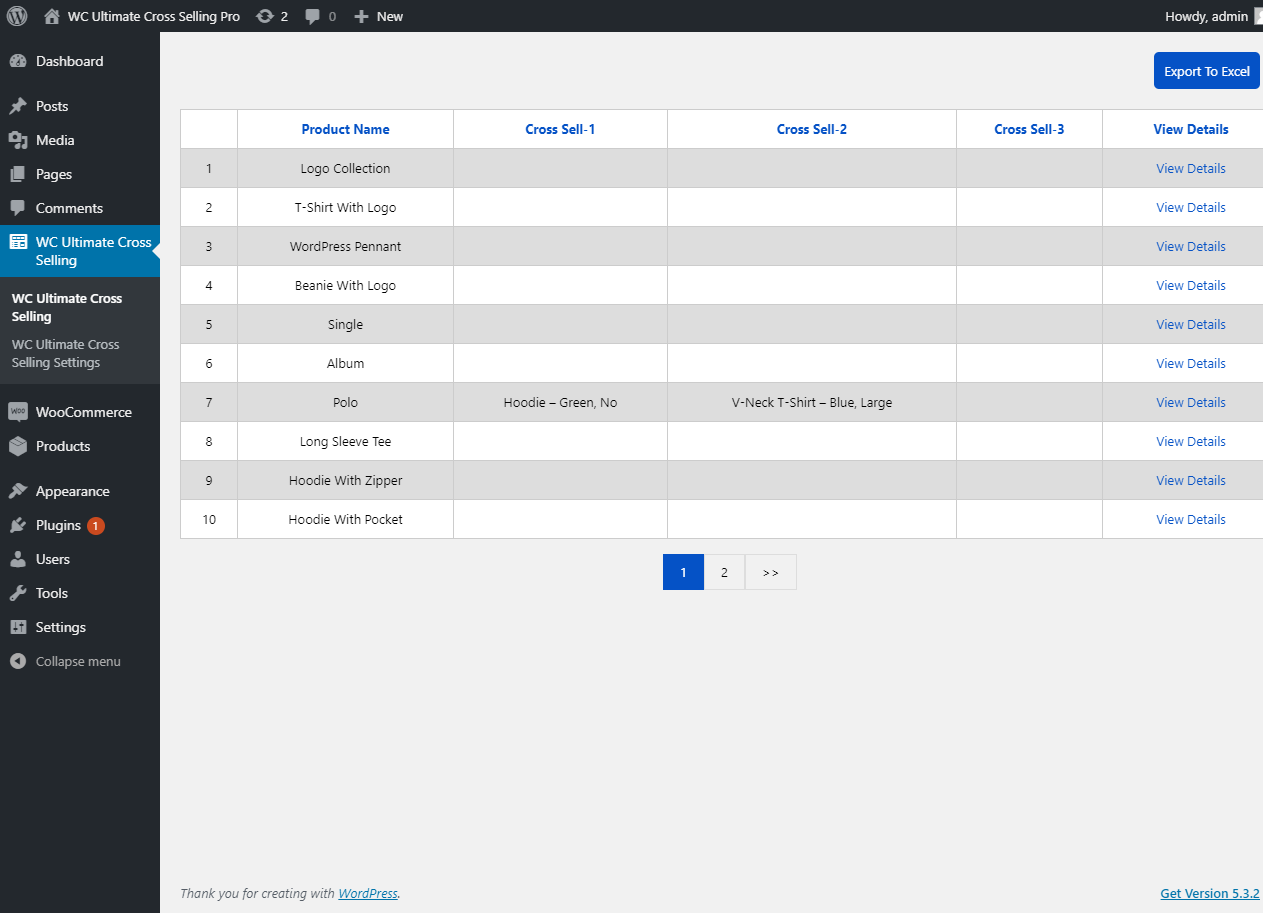
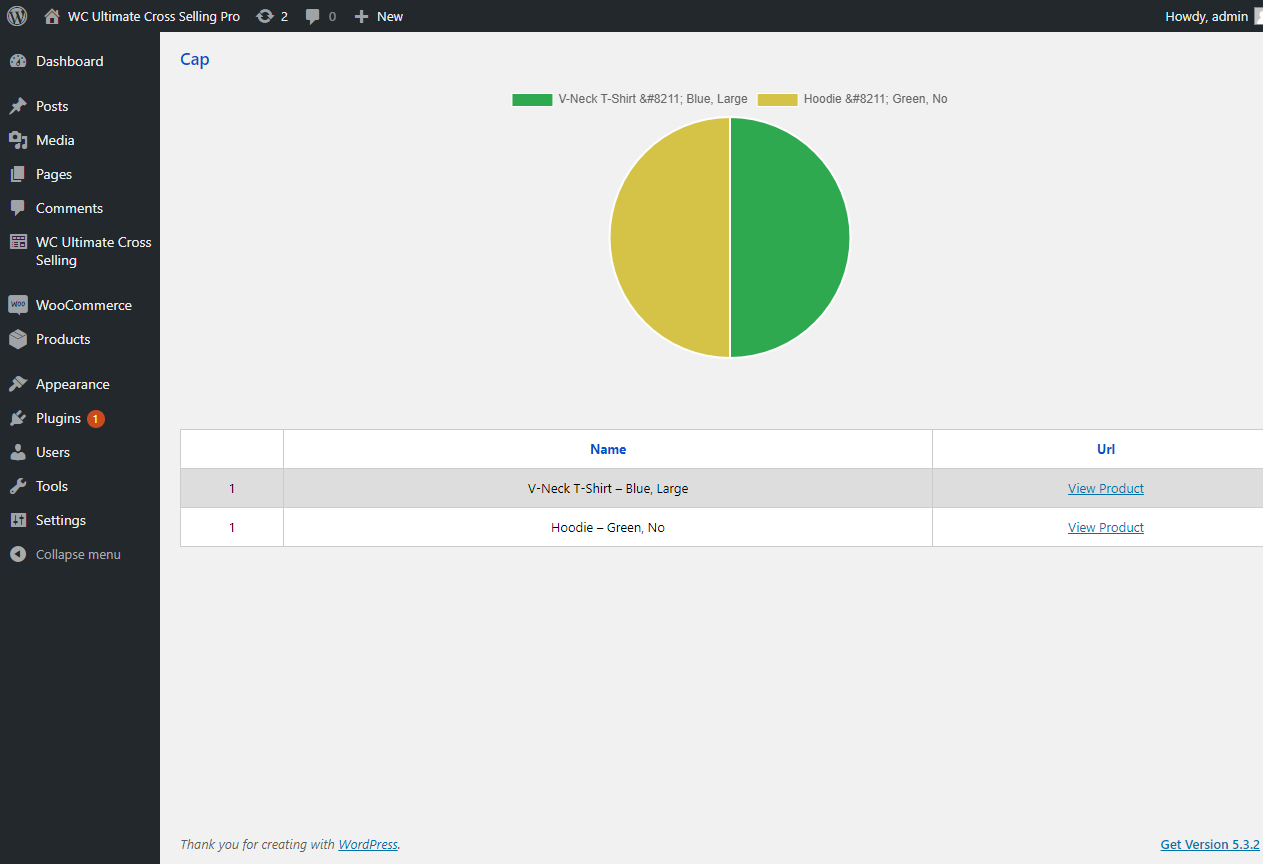
- This plugin helps you to generate reports of Cross Selled products with Pie Chart detailed report.
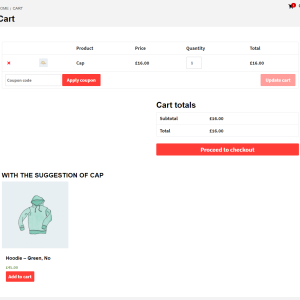
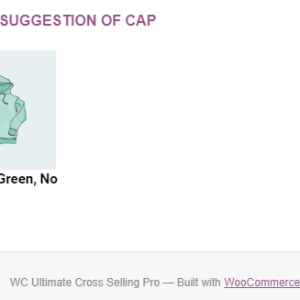
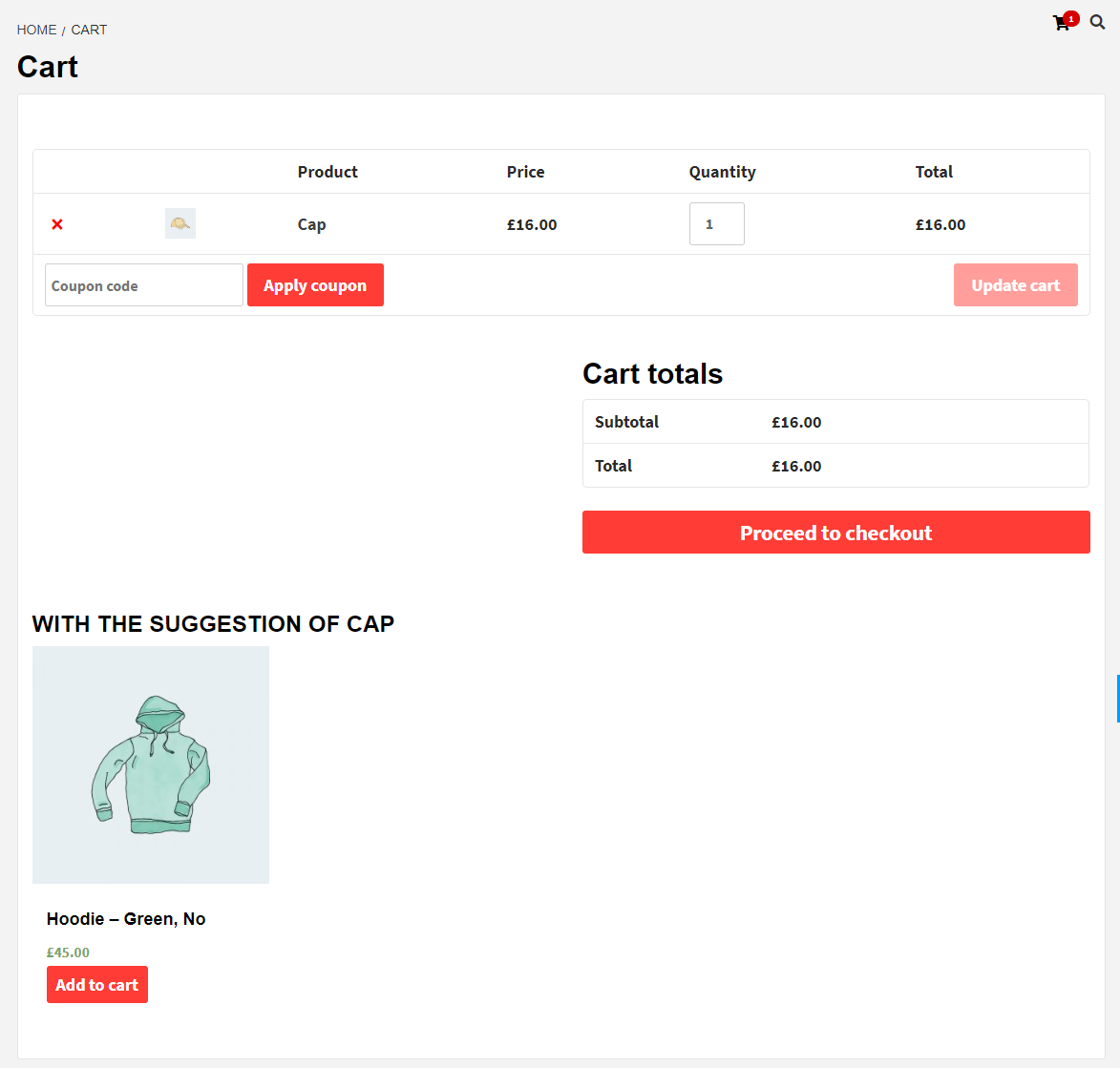
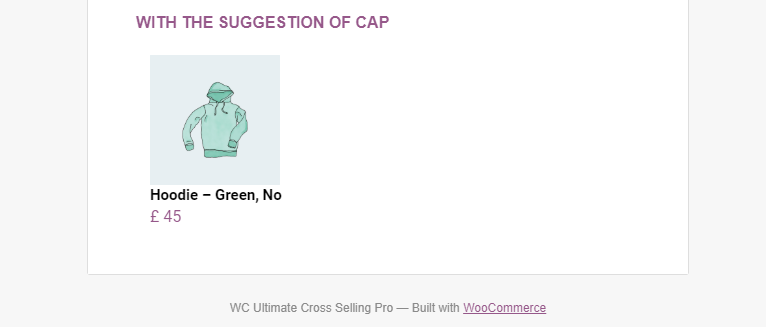
- In premium version of this plugin customers can see Cross Sell item in cart page as well as in their Email.
- Woocommerce plugin provide default Related Product option, but with premium version of plugin allows you to disable that default option.